ESS — Building Full-Stack Applications Using AI
📑 10 slides
👁 34 views
📅 1/22/2026
Cover Slide
ESS — Building Full-Stack Applications Using AI
2
What is Cursor AI?
- Cursor is an AI-powered code editor that acts like a real-time engineering assistant
- Helps generate code from natural language, refactor, debug, and design architecture
- Understands your actual codebase, not just isolated prompts
3
Why Use AI for Full-Stack?
- Traditional development is time-consuming: planning, backend, frontend, APIs, DB modeling
- AI generates structure from plain English descriptions, speeding up development
- AI handles boilerplate; humans focus on thinking and validation
4
How to Write Effective Prompts
- Good prompts are specifications, not questions: include domain, rules, architecture, security
- Bad: 'Create an LMS'. Good: 'Design a multi-tenant LMS with RBAC and microservices'
- Think of prompts as technical requirements in English
5
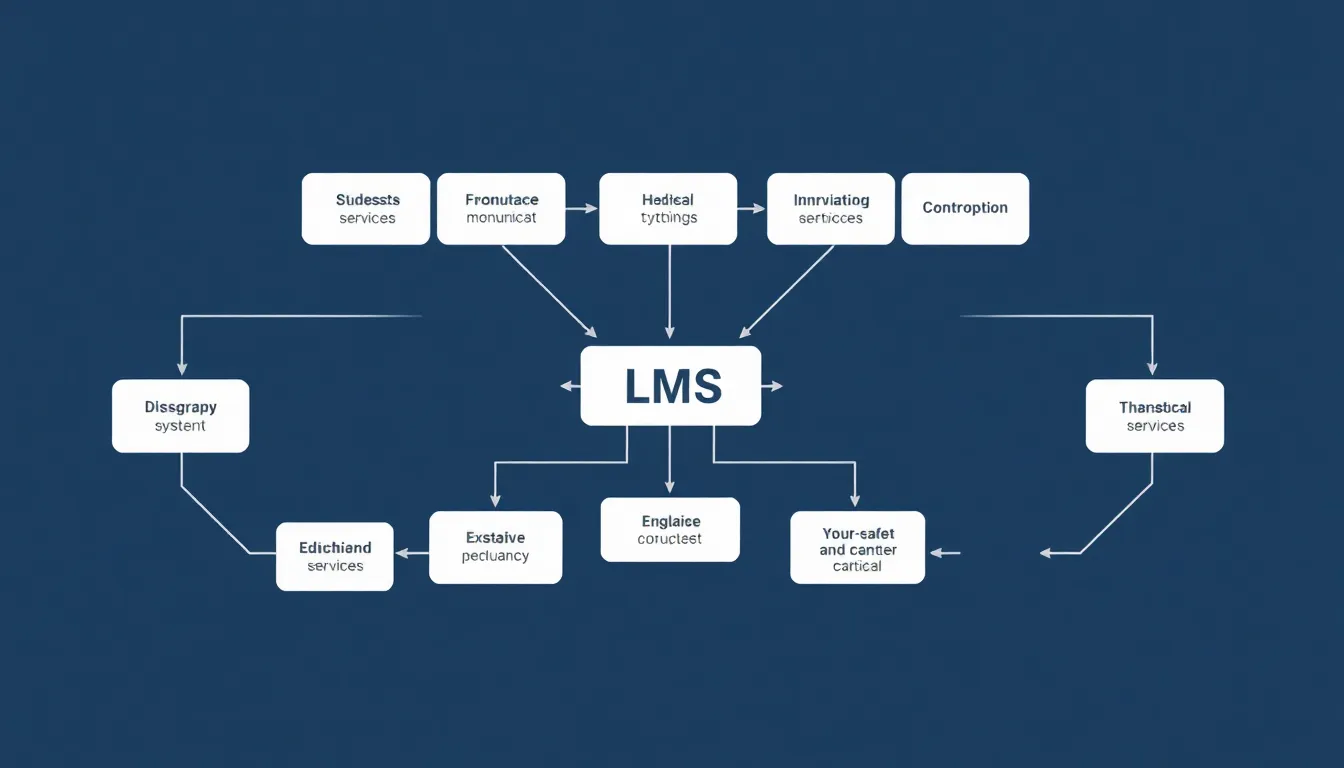
Case Study: LMS Built Using AI
- Designed full LMS system without manual initial code: architecture, backend, frontend, DB
- Included auth, analytics, mobile app plan, and reporting
- All generated from structured prompts
6
System Design Using Prompts
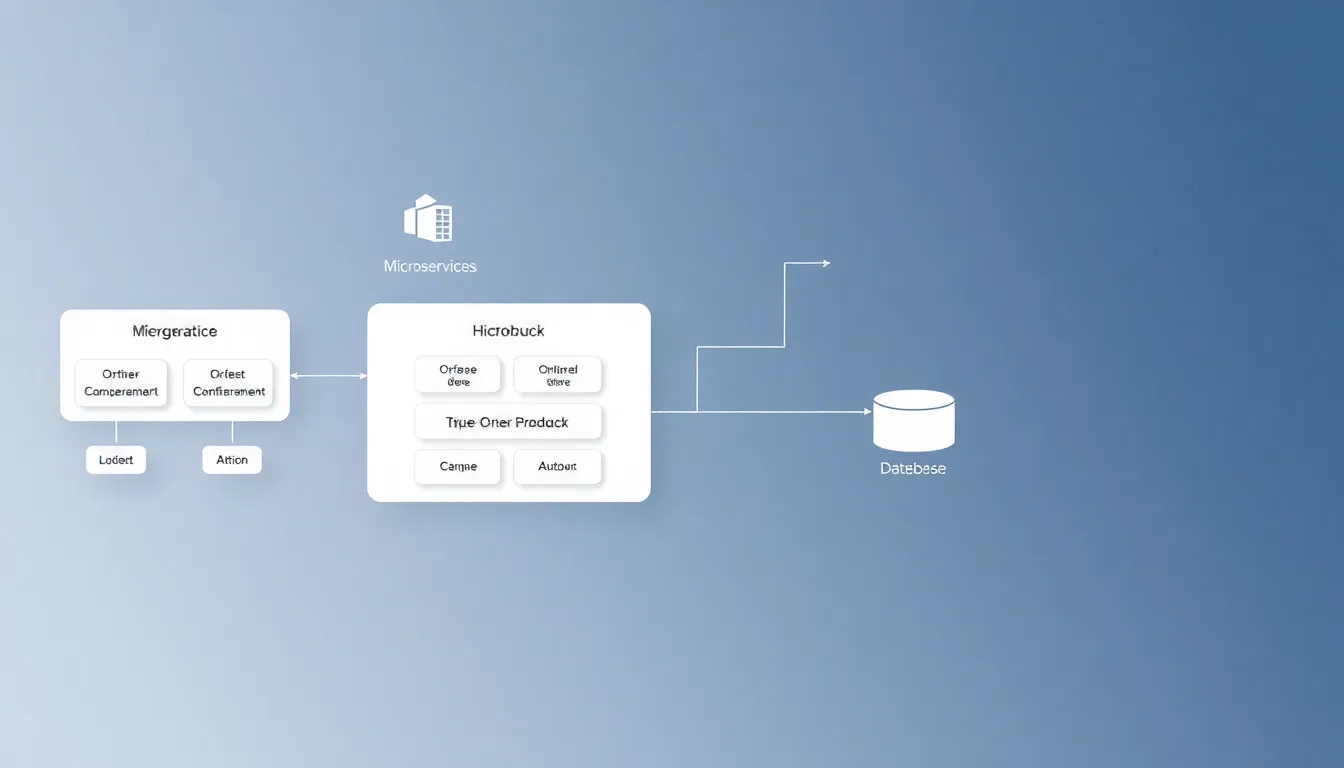
- High-level prompts: 'Design multi-tenant LMS with microservices and RBAC'
- Defined service boundaries: auth, content, compliance, analytics, etc.
- Specified DB-per-service strategy with PostgreSQL, Redis, and message queues
7
Designing Features with Prompts
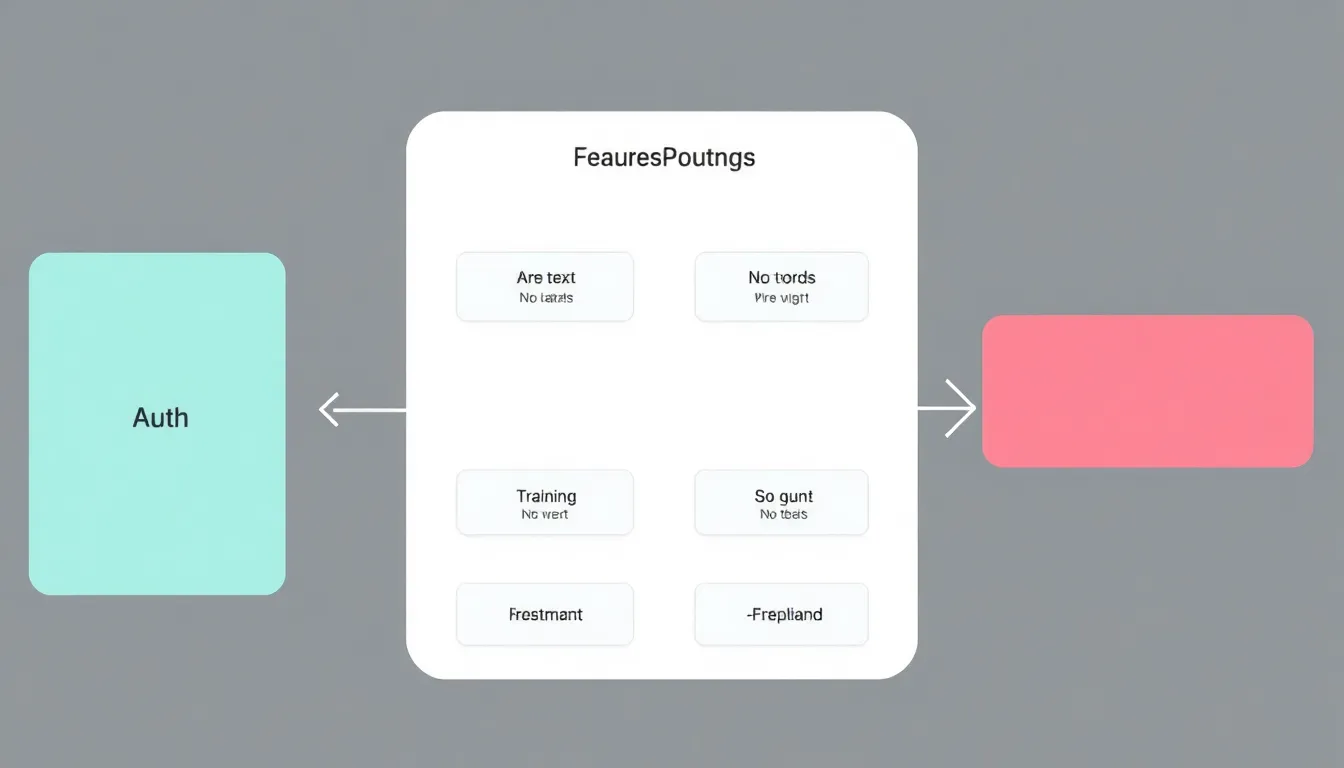
- Auth: JWT, OTP, RBAC, audit logs. Training lifecycle: Draft → Published → Archived
- Assessments: question banks, grading, certificates. Analytics: dashboards, role-based views
- Each feature generated from descriptive prompts
8
Frontend & Mobile from Prompts
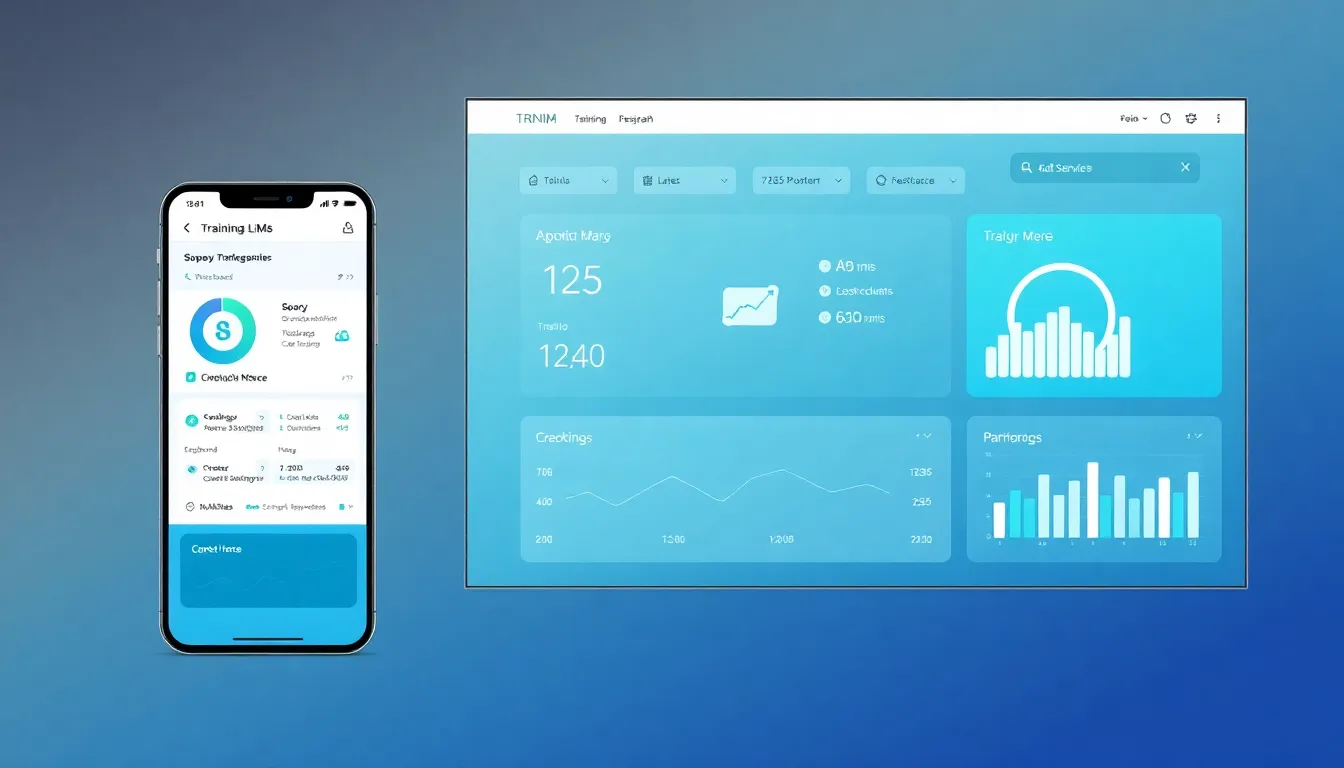
- React admin console for masters, reports, compliance. API clients for auth and training
- React Native app with offline sync and push notifications
- AI translated UI descriptions into component structures
9
Talking to AI Like a Teammate
- AI responds to commands: 'Improve this', 'Refactor', 'Add security checks', 'Optimize query'
- Acts like a junior engineer that never tires, but needs human review
- Used for scaling, logging, and splitting into microservices
10
Tips for Using AI in Development
- Be specific in prompts, break large problems, validate everything
- AI can hallucinate, doesn’t understand business risk or own production bugs
- AI is not magic—but in good hands, it’s a superpower
1 / 10