Creating a ChatGPT Presentation

📑 5 slides 👁 20 views 📅 2/11/2026
0.0 (0 ratings)

Introduction to ChatGPT

ChatGPT is an AI language model developed by OpenAI, capable of generating human-like text.

Introduction to ChatGPT
2

Using ChatGPT for Content

  • Input your topic into ChatGPT to generate detailed bullet points and key ideas.
  • The AI can suggest relevant statistics or examples to enhance your slides.
  • Refine the output by specifying tone, length, or focus areas for better results.
Using ChatGPT for Content
3

Structuring Your Presentation

  • ChatGPT can help organize slides into logical sections: intro, main points, conclusion.
  • Ask for transitions between slides to ensure a smooth flow of information.
  • Use AI to generate engaging titles and concise summaries for each slide.
Structuring Your Presentation
4

Enhancing Visual Appeal

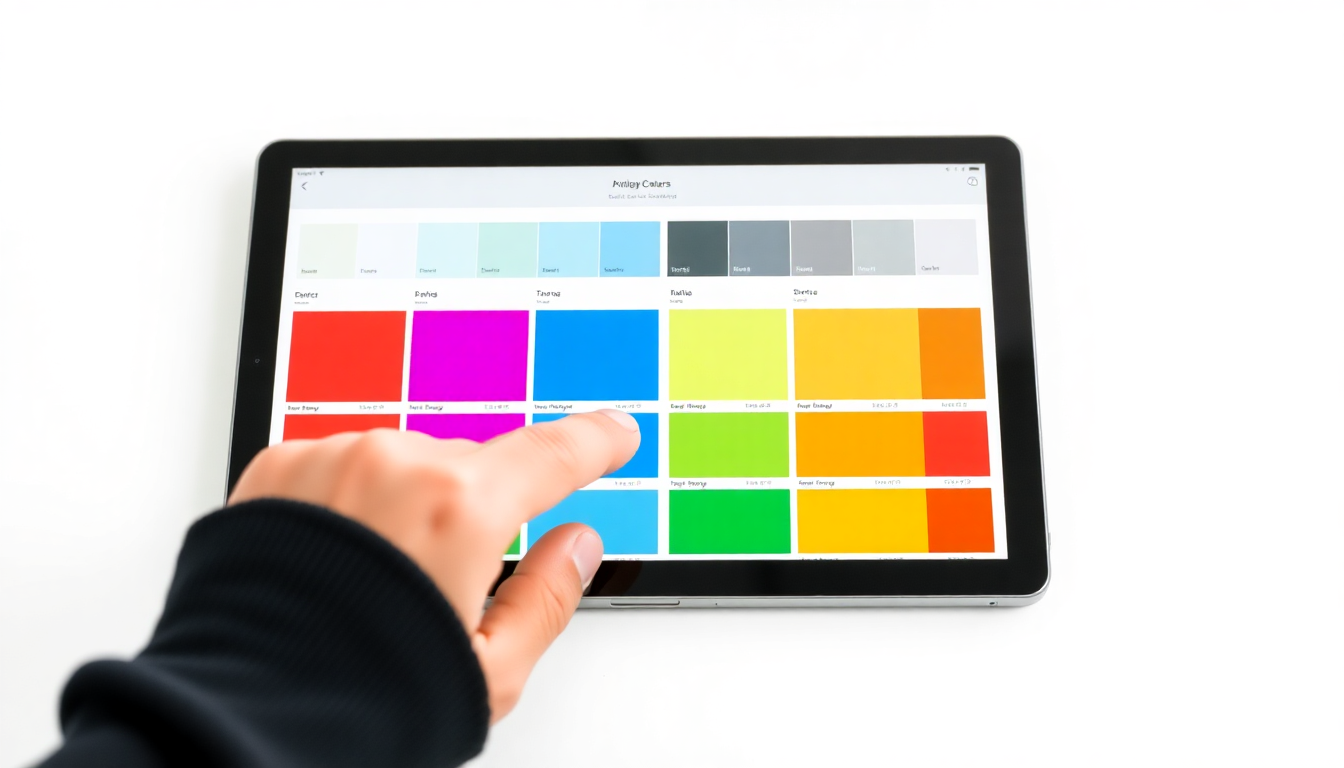
  • ChatGPT can suggest image prompts for each slide to match the content.
  • Describe your slide theme to get ideas for relevant, text-free visuals.
  • Combine AI-generated content with professional design tools for polished slides.
Enhancing Visual Appeal
5

Conclusion and Next Steps

  • ChatGPT streamlines presentation creation with quick, accurate content generation.
  • Always review and customize AI suggestions to align with your unique style.
  • Experiment with different prompts to unlock ChatGPT's full potential for presentations.
Conclusion and Next Steps
1 / 5