Introduction to Computers
📑 10 slides
👁 42 views
📅 1/22/2026
Introduction to Computers
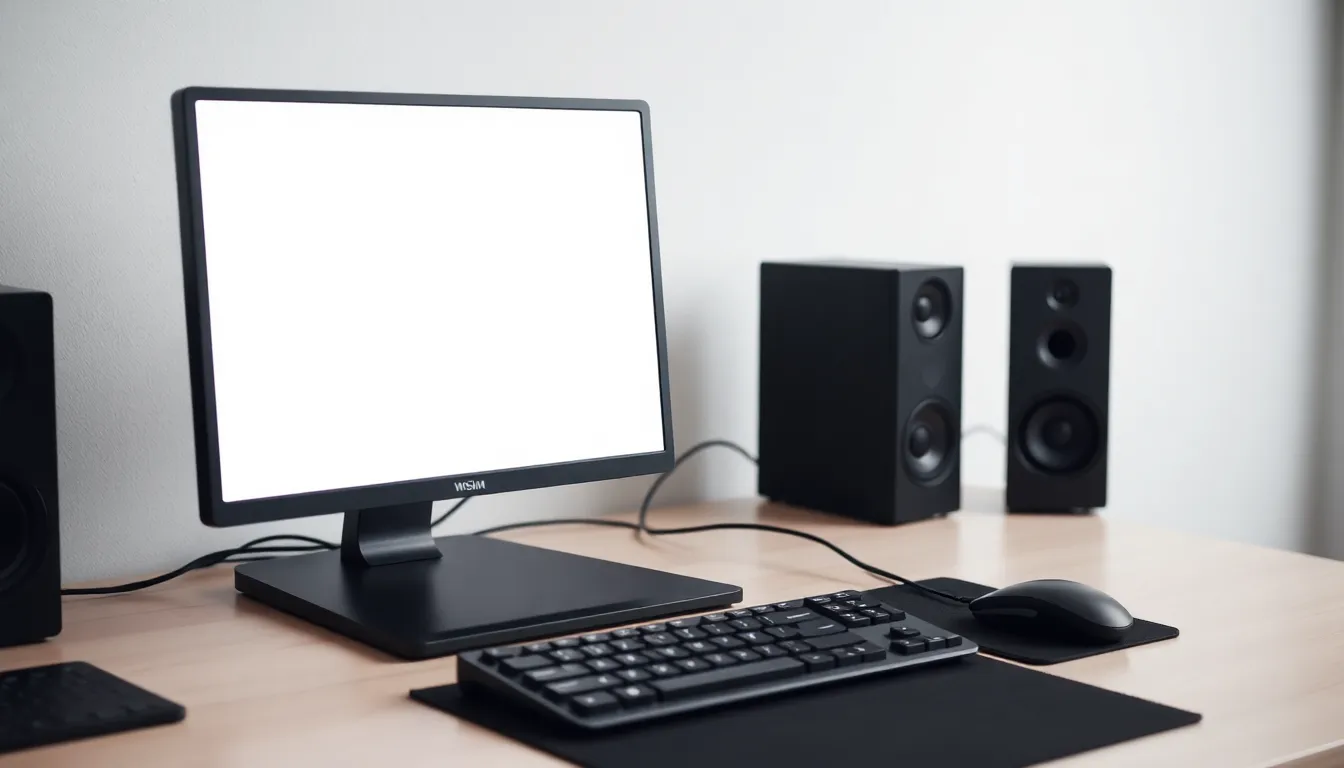
Computers are electronic devices that process data and perform tasks.
2
Definition of Computer
- A computer is a machine that accepts input, processes it, and produces output.
- It follows instructions from software to perform tasks.
- Can store, retrieve, and process data efficiently.
3
Characteristics of Computer
- Speed: Processes millions of instructions per second.
- Accuracy: Performs tasks with high precision.
- Versatility: Can perform a wide range of tasks.
4
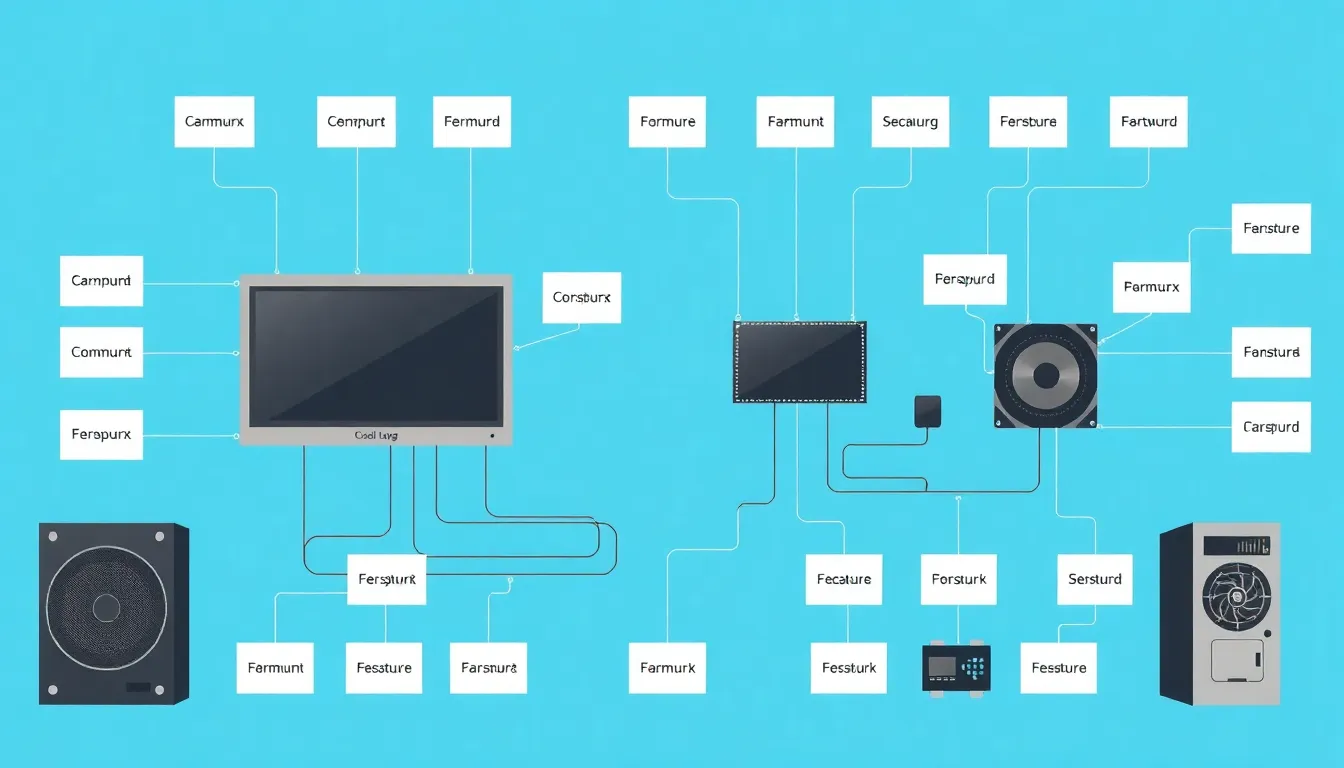
Components of Computer
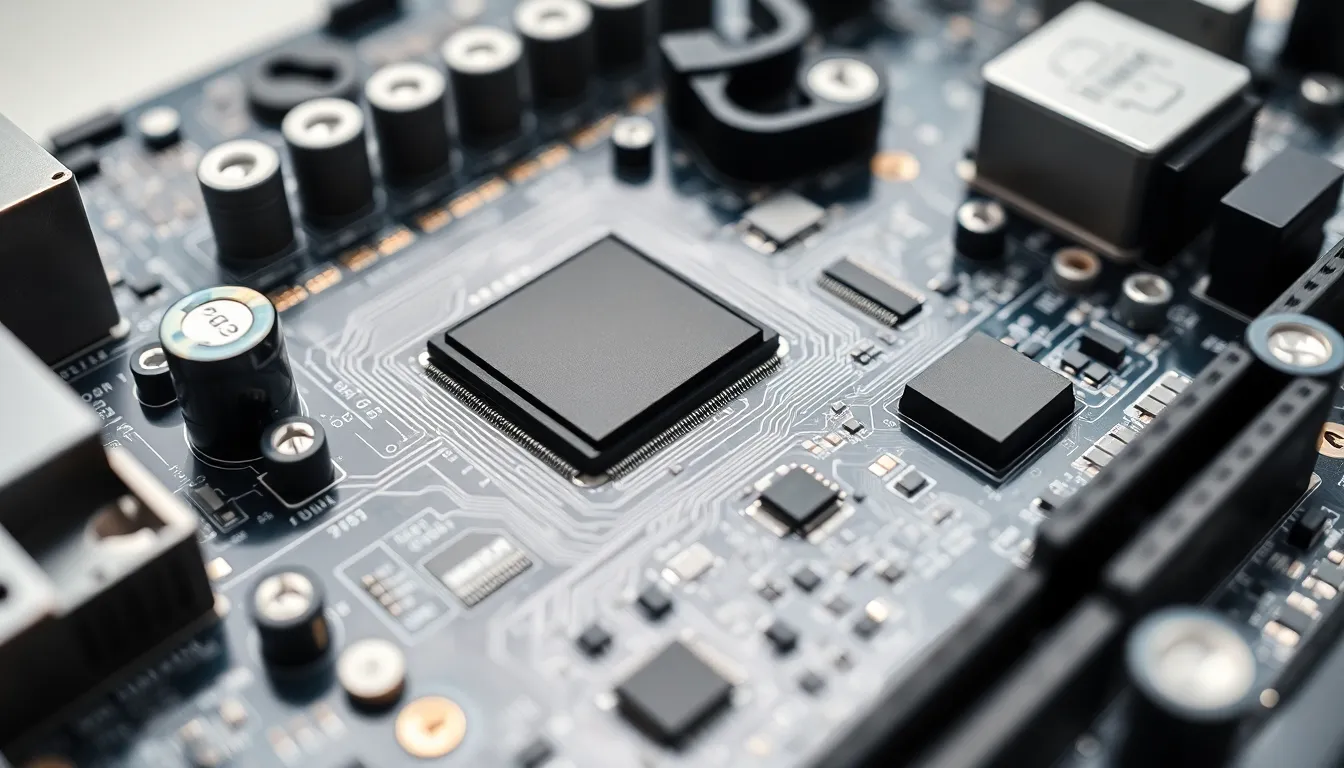
- CPU: The brain of the computer that processes instructions.
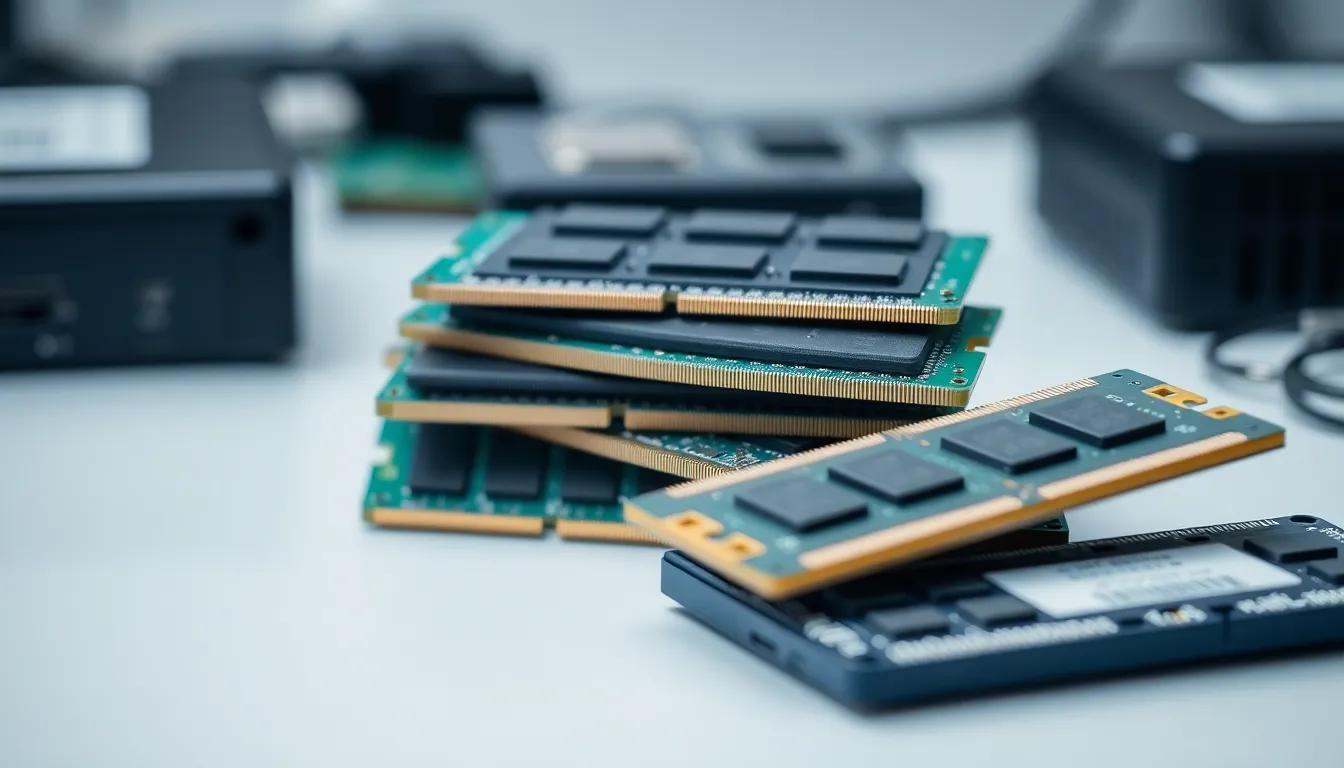
- Memory: Stores data and instructions temporarily or permanently.
- Input/Output Devices: Allow interaction with the computer.
5
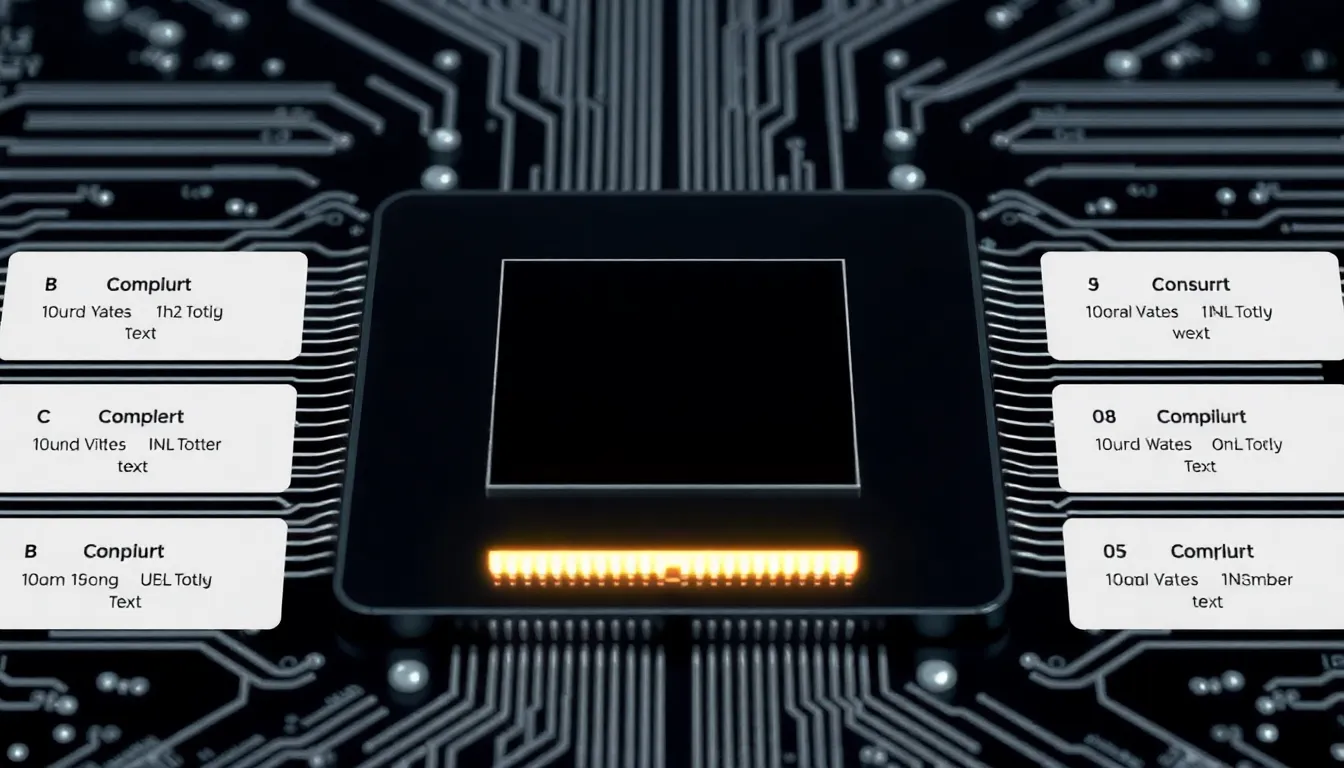
CPU: Control Unit & ALU
- Control Unit (CU): Manages and coordinates all computer operations.
- Arithmetic Logic Unit (ALU): Performs mathematical and logical operations.
- Works together to execute program instructions.
6
Memory Concepts
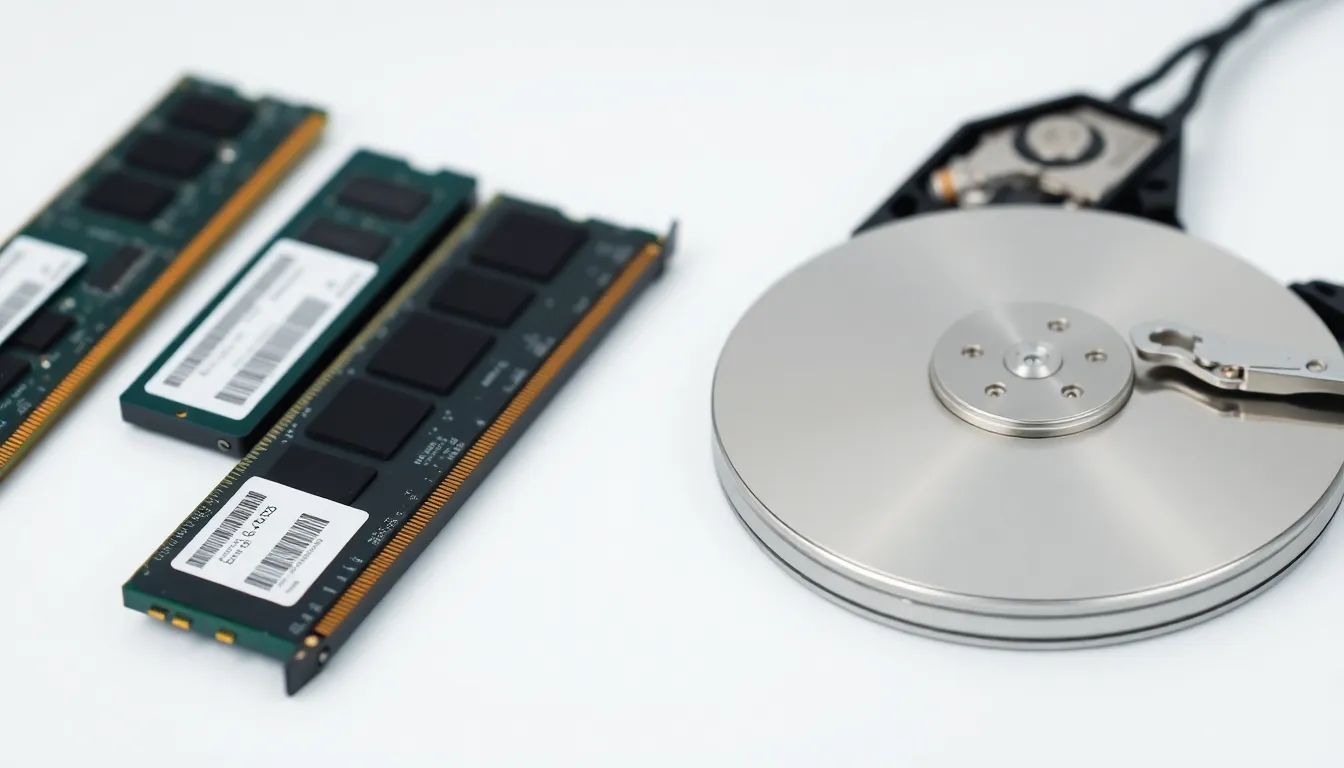
- Primary Memory: Fast, temporary storage (RAM).
- Secondary Memory: Permanent storage (HDD, SSD).
- Units range from bits (smallest) to terabytes (largest).
7
Types of Memory
- Primary Memory: Volatile, used for active processes.
- Secondary Memory: Non-volatile, stores data long-term.
- Examples include RAM, ROM, HDD, and SSD.
8
Operating System Basics
- Manages hardware and software resources.
- Provides user interface for interaction.
- Examples: Windows, macOS, Linux.
9
Types of Operating Systems
- Single-user OS: One user at a time (e.g., Windows).
- Multi-user OS: Multiple users simultaneously (e.g., UNIX).
- Special types include Real-Time and Distributed OS.
10
Conclusion & Summary
- Computers are powerful tools with various components.
- Memory and OS are crucial for functionality.
- Understanding basics helps in efficient usage.
1 / 10