How Computers Use Their Memory
📑 10 slides
👁 37 views
📅 1/21/2026
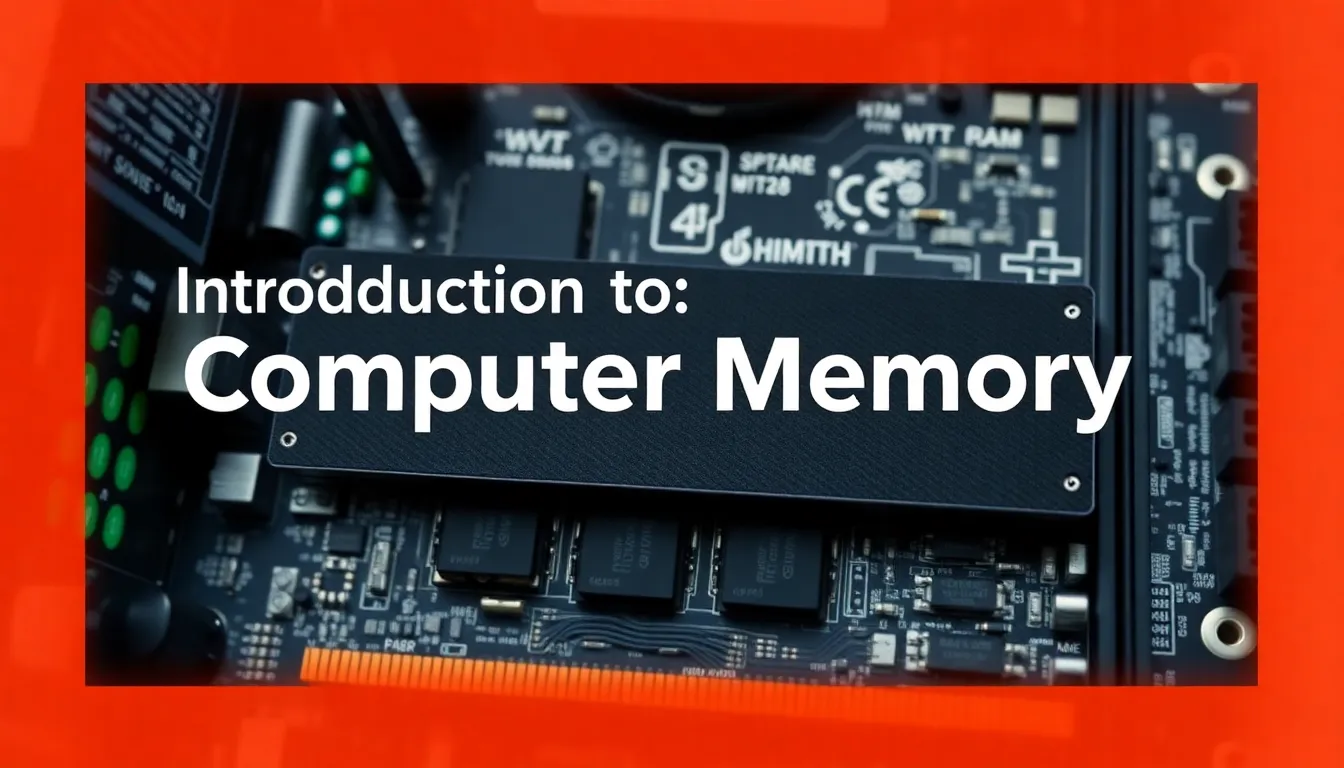
Introduction to Computer Memory
Computer memory stores data and instructions for processing.
2
RAM: The Temporary Workspace
- RAM (Random Access Memory) holds active programs and data.
- Volatile memory - loses data when power is turned off.
- Typical modern computers have 8GB to 64GB of RAM.
3
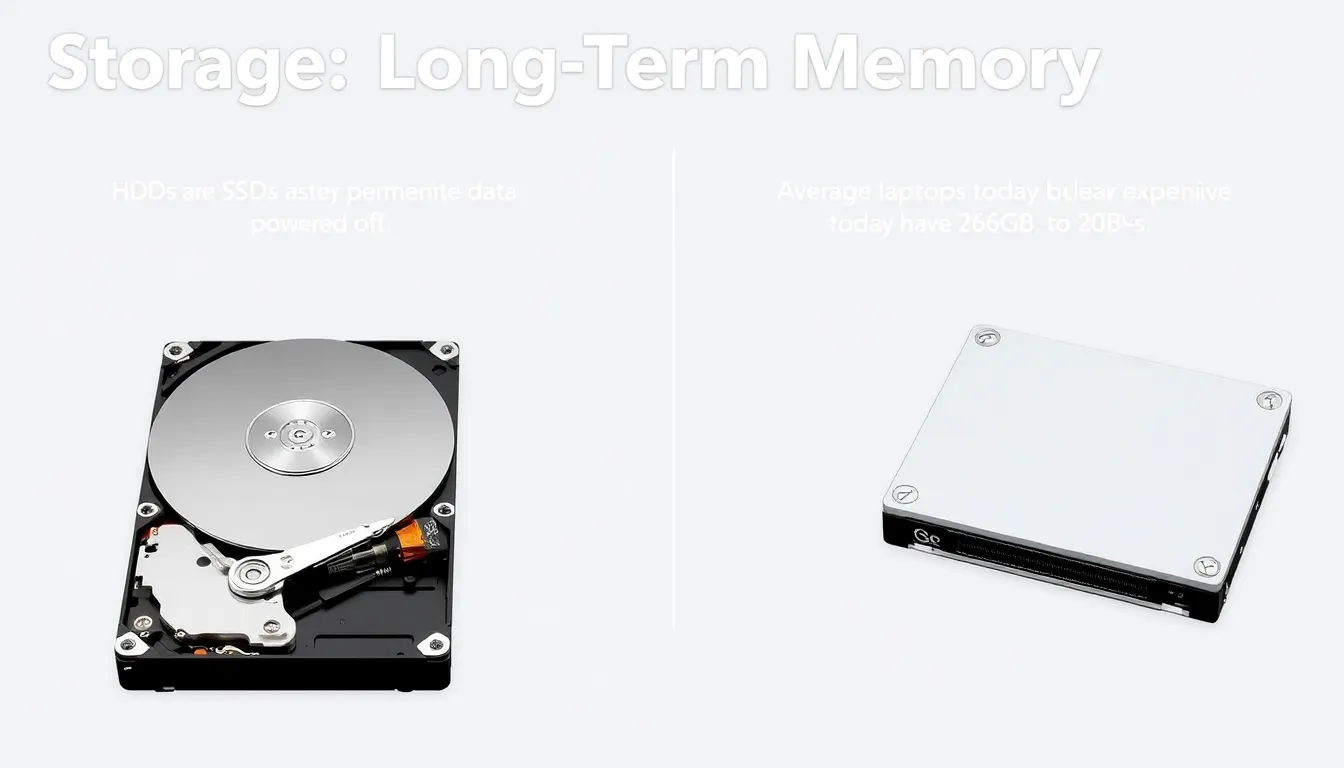
Storage: Long-Term Memory
- HDDs and SSDs store data permanently even when powered off.
- SSDs are 5-10x faster than HDDs but more expensive per GB.
- Average laptops today have 256GB to 2TB of storage.
4
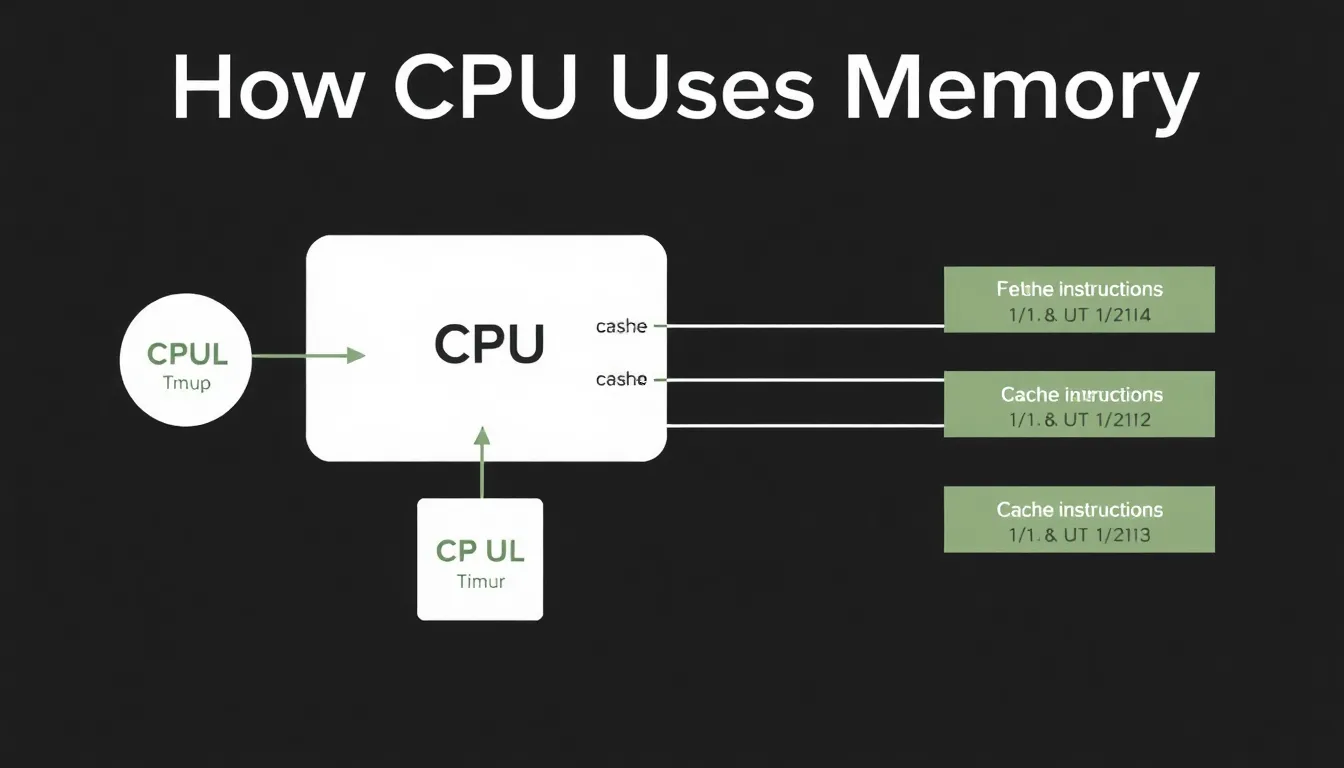
How CPU Uses Memory
- CPU fetches instructions and data from memory to execute tasks.
- Cache memory (L1-L3) provides ultra-fast access to frequent data.
- Memory hierarchy balances speed, size and cost efficiently.
5
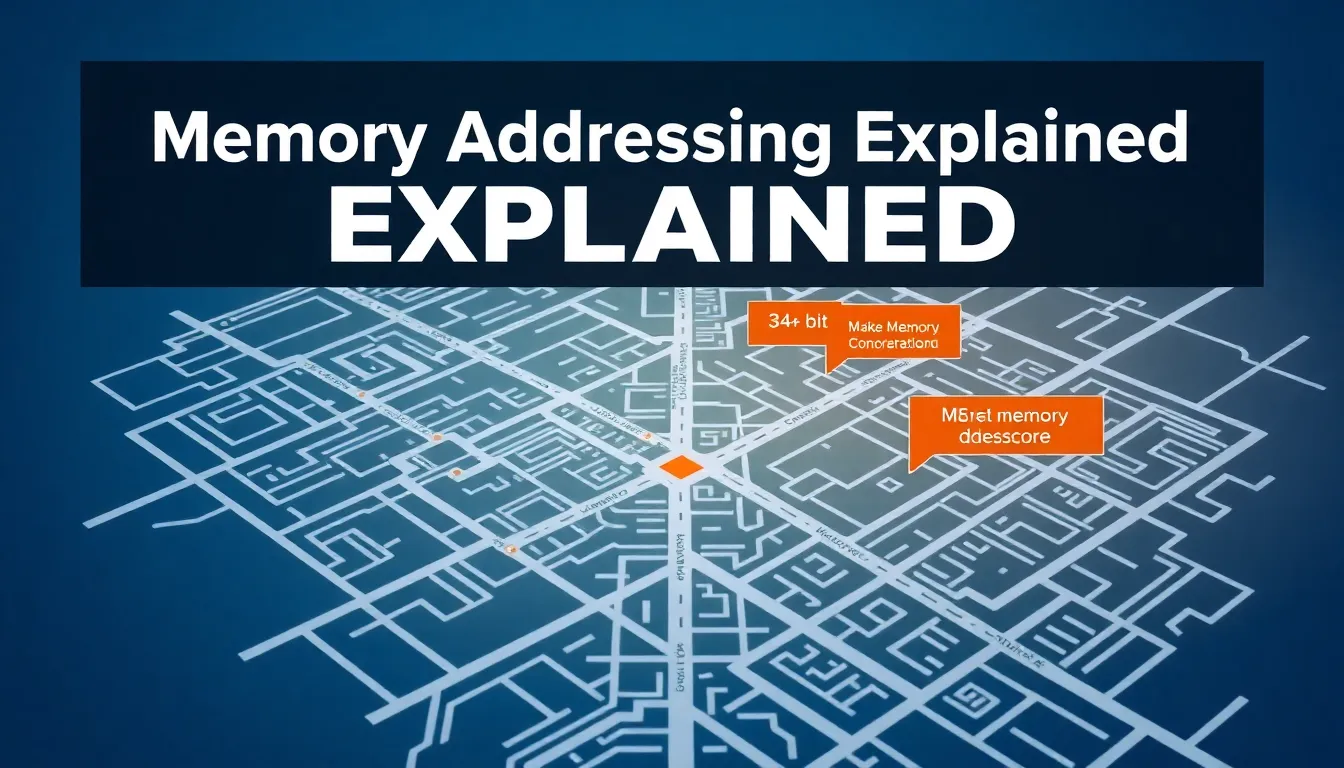
Memory Addressing Explained
- Each memory location has a unique address like a street address.
- 64-bit systems can address up to 16 exabytes of memory.
- Memory controllers manage data flow between CPU and RAM.
6
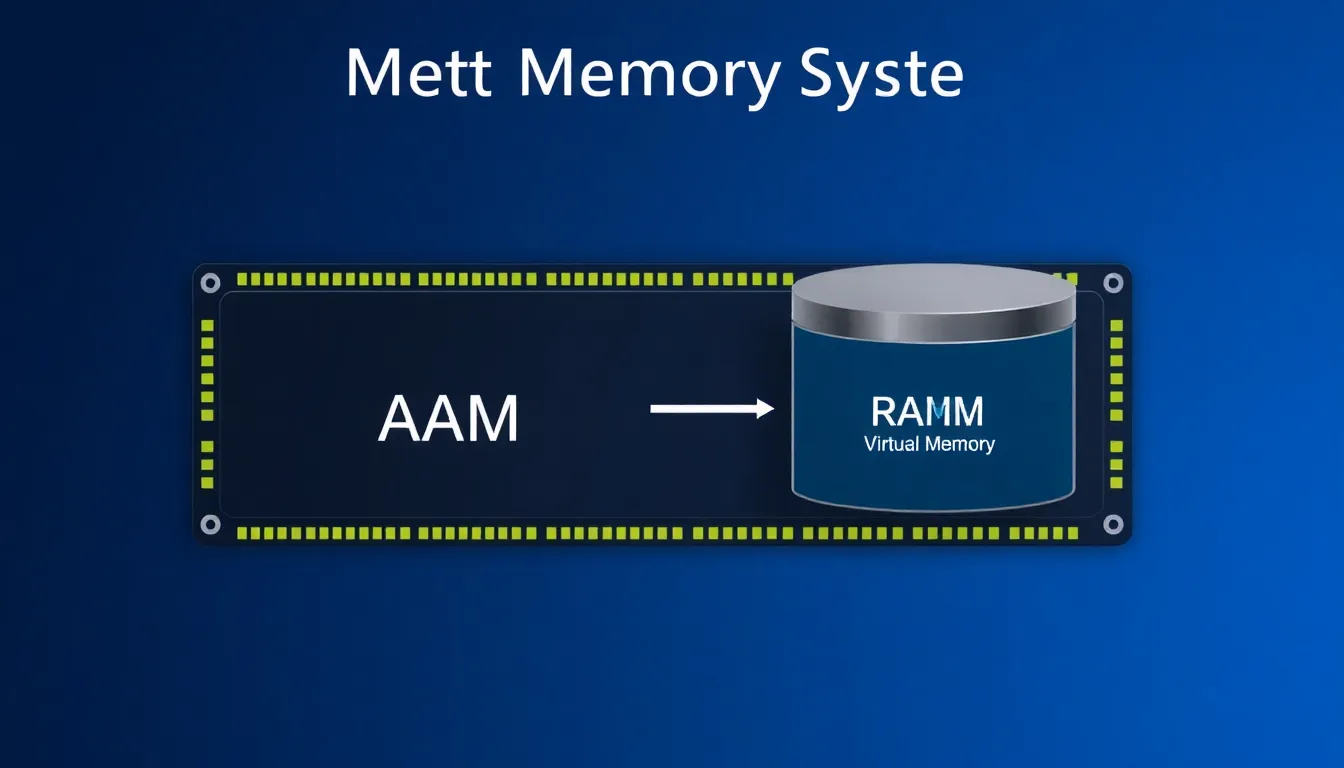
Virtual Memory System
- Uses hard disk space when physical RAM is full (page file).
- Slower than RAM but prevents out-of-memory crashes.
- Windows typically allocates 1.5x physical RAM as virtual memory.
7
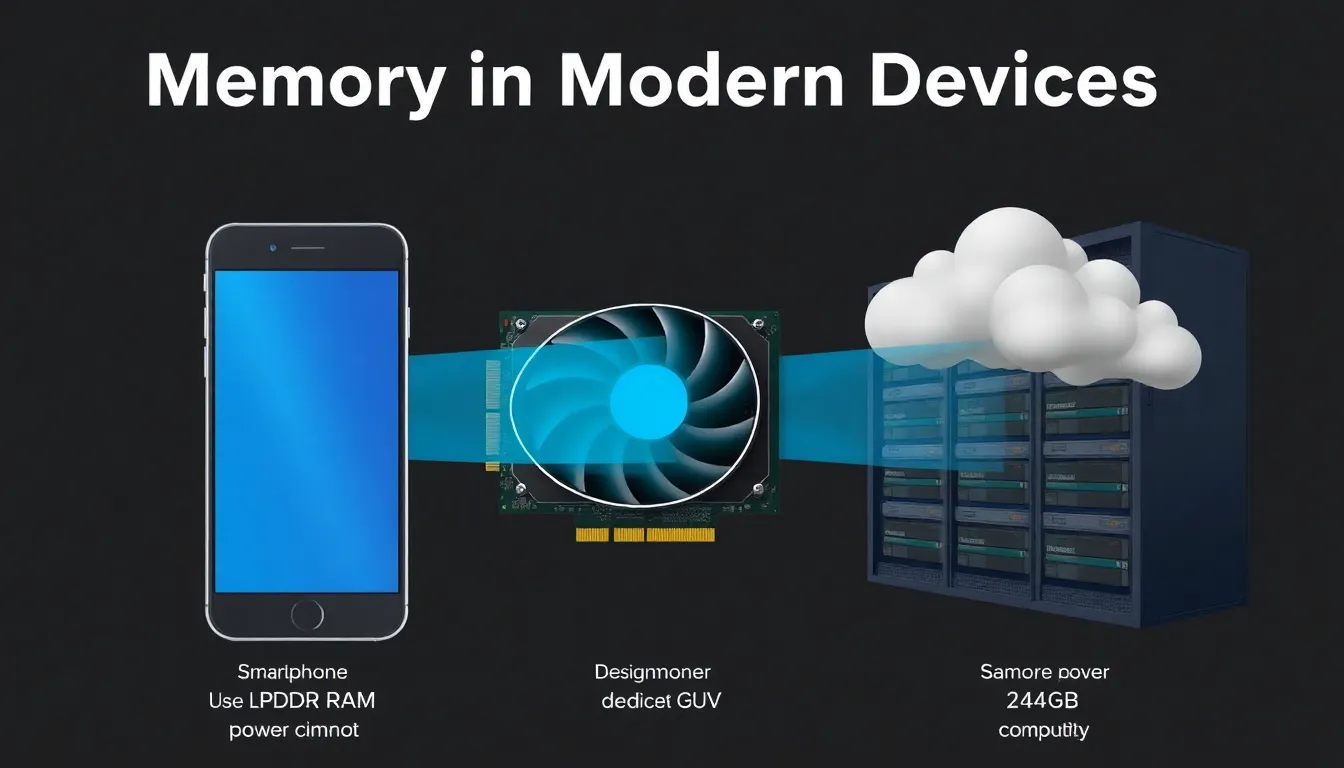
Memory in Modern Devices
- Smartphones use LPDDR RAM optimized for power efficiency.
- GPUs have dedicated VRAM (4-24GB in gaming cards).
- Cloud computing relies on massive server memory pools.
8
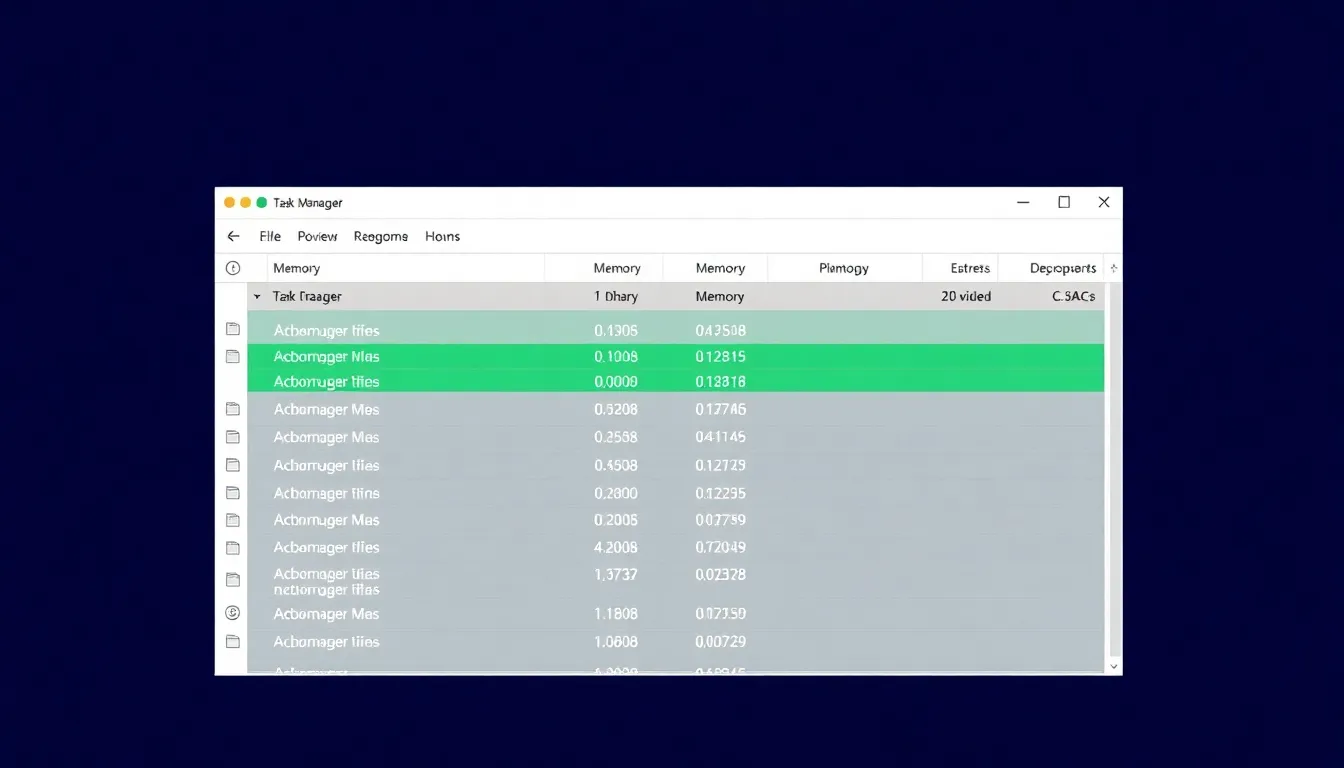
Memory Management by OS
- Operating systems allocate and protect memory for applications.
- Memory leaks occur when programs don't release unused memory.
- Task Manager/Activity Monitor show real-time memory usage.
9
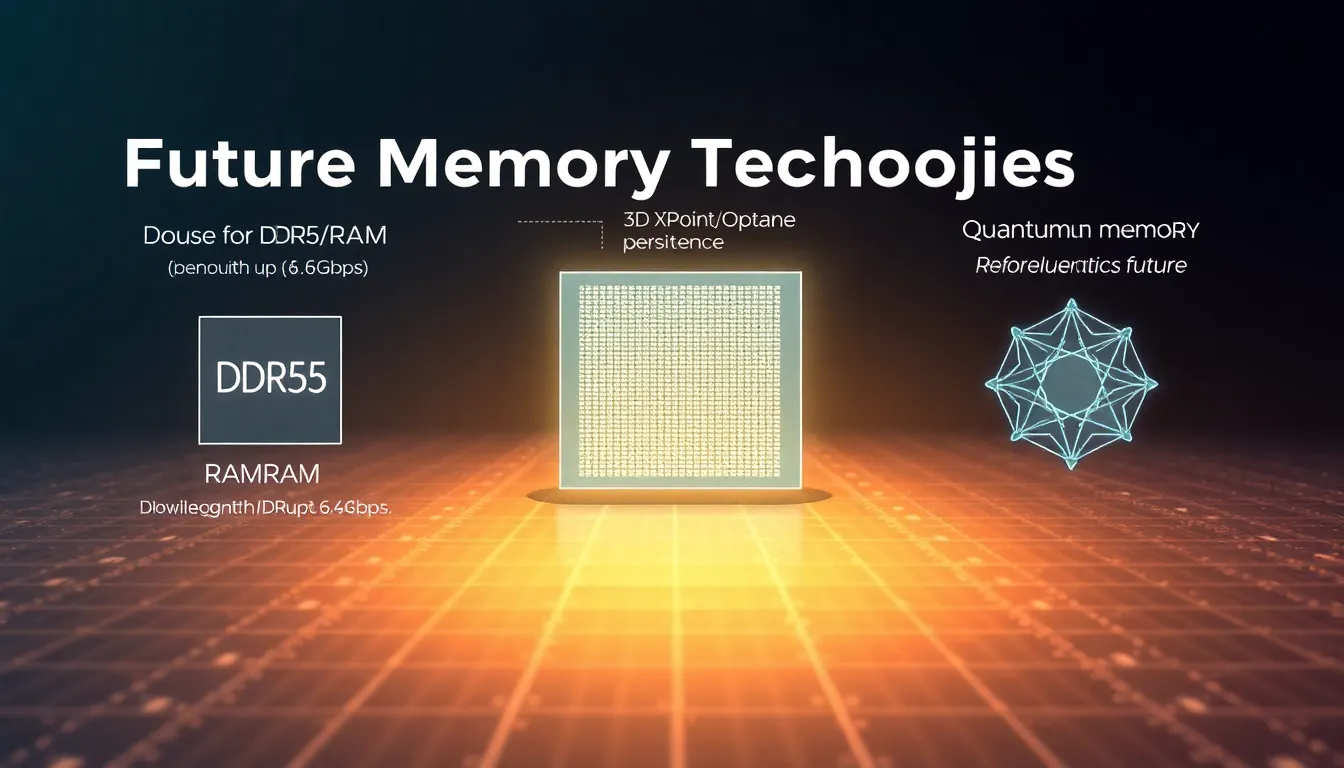
Future Memory Technologies
- DDR5 RAM offers double bandwidth of DDR4 (up to 6.4Gbps).
- 3D XPoint/Optane promises RAM-like speed with persistence.
- Quantum memory could revolutionize future computing.
10
Conclusion & Key Takeaways
- Memory is crucial bridge between storage and processing.
- Different memory types serve specific purposes in hierarchy.
- Advancements continue to improve speed, capacity and efficiency.
1 / 10