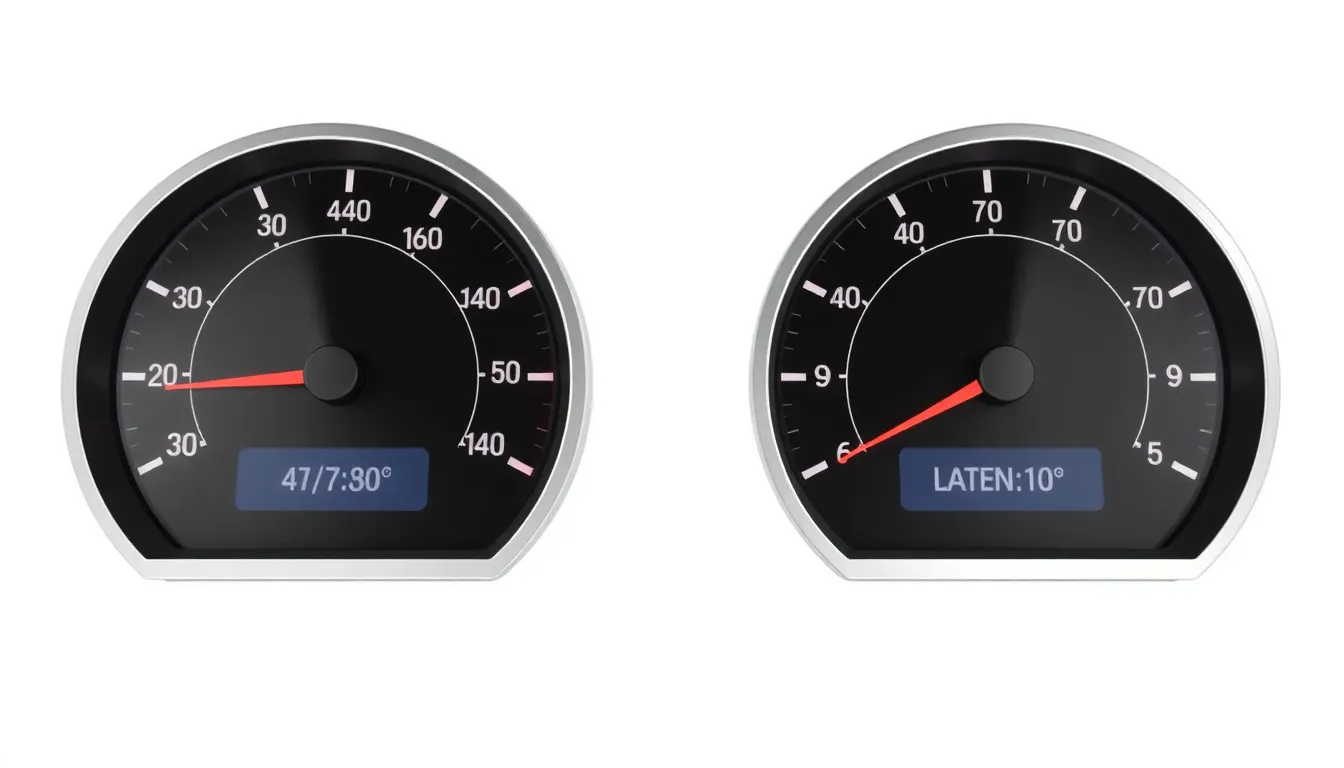
Grade -7 ICT: Internet and Network Basics
📑 10 slides
👁 36 views
📅 1/31/2026
Introduction to Internet Basics
The Internet is a global network connecting millions of computers worldwide.
2
What is the World Wide Web?
- WWW is a system of interlinked hypertext documents accessed via the Internet.
- Uses HTTP/HTTPS protocols to transfer web pages between servers and clients.
- Invented by Tim Berners-Lee in 1989 at CERN for scientific data sharing.
- Web browsers like Chrome or Firefox interpret and display web content.
3
Wired vs Wireless Networks
- Wired networks use Ethernet cables, offering stable, high-speed connections.
- Wireless networks (Wi-Fi) use radio waves for flexible device mobility.
- Wired: lower latency, higher security. Wireless: convenient but prone to interference.
- Combination of both creates robust home/office network infrastructures.
4
Understanding Bandwidth
- Bandwidth measures maximum data transfer rate (Mbps/Gbps).
- Higher bandwidth allows faster downloads and smoother streaming.
- Standard home connections: 25-100Mbps; fiber can reach 1Gbps+.
- Network congestion can reduce effective bandwidth during peak times.
5
Data Packets: Internet's Building Blocks
- Information travels in small chunks called packets (500-1500 bytes).
- Each packet contains payload data, source/destination addresses.
- Packets may take different routes and reassemble at destination.
- Packet loss causes delays and requires retransmission.
6
Internet Service Providers (ISPs)
- ISPs provide access to Internet backbone for homes/businesses.
- Types: Cable (coaxial), DSL (phone lines), Fiber (light), Satellite.
- Offer different speed tiers and data caps at varying prices.
- Local ISPs connect to larger Tier 1 networks for global reach.
7
Latency and Ping Rate Explained
- Latency measures delay (ms) between request and response.
- Ping tests measure round-trip time to a server and back.
- Ideal gaming latency: <50ms. Video calls: <150ms acceptable.
- Physical distance and hops increase latency significantly.
8
Bandwidth vs Latency Impact
- High bandwidth + low latency = optimal streaming/gaming experience.
- High latency causes lag even with good bandwidth (online games).
- Low bandwidth limits throughput regardless of latency (large downloads).
- Satellite has high latency (500ms+) despite decent bandwidth.
9
Improving Network Performance
- Upgrade router firmware and use 5GHz band for less interference.
- Ethernet cables for stationary devices ensure maximum stability.
- QoS settings prioritize important traffic (video calls over downloads).
- Reduce connected devices during bandwidth-intensive activities.
10
Conclusion: Key Takeaways
- Internet and WWW enable global connectivity through networks.
- Bandwidth determines speed; latency affects responsiveness.
- Wired/wireless have different advantages for various use cases.
- Smart network management improves real-world performance.
1 / 10