Basic Audio Mixer Guide

📑 10 slides 👁 33 views 📅 1/30/2026
5.0 (1 ratings)

Intro to Audio Mixer

An audio mixer blends multiple sound sources.

Intro to Audio Mixer
2

RCA to RCA Connection

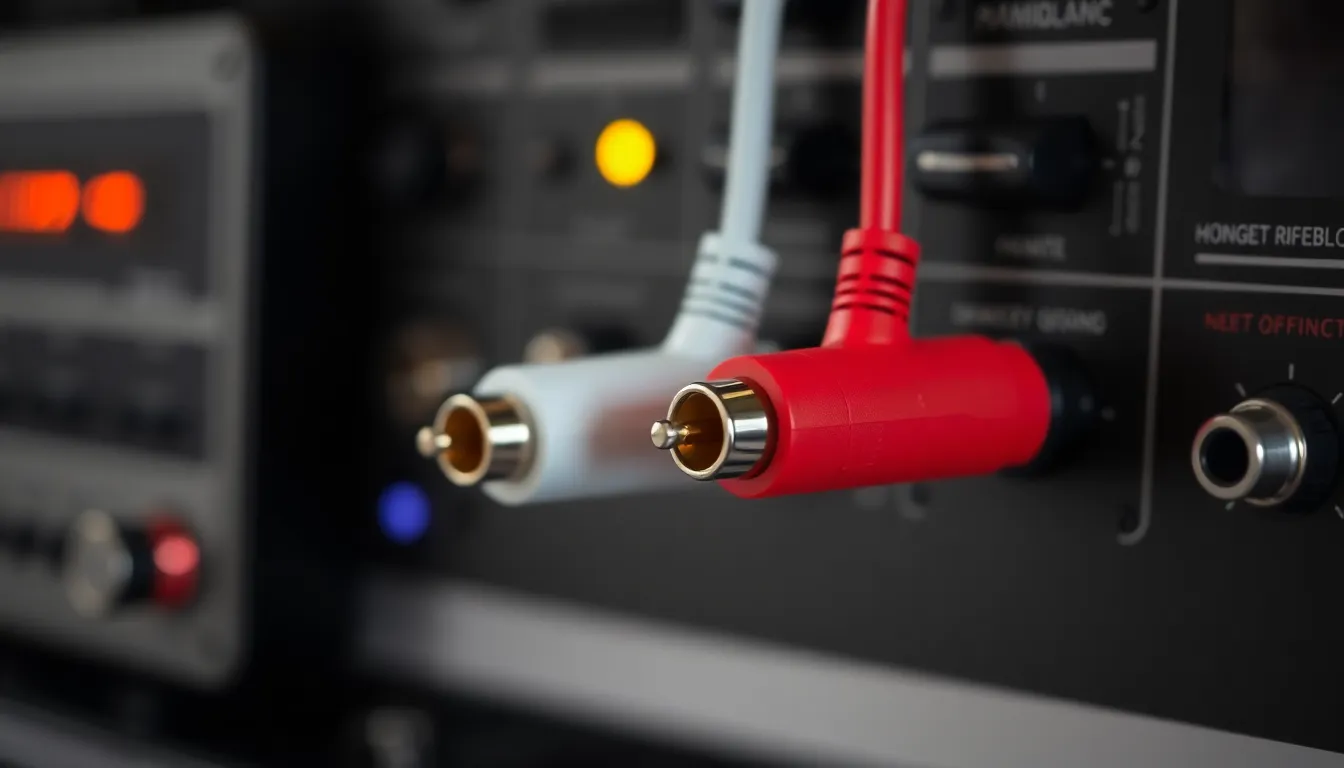
  • Connects mixer output to amplifier input.
  • Uses red/white cables for left/right channels.
  • Common for basic setups with minimal equipment.
RCA to RCA Connection
3

XLR for Microphones

  • 3-pin XLR cables for balanced audio signals.
  • Resists interference better than other cables.
  • Standard for professional microphones and devices.
XLR for Microphones
4

Line and Insert Jacks

  • Line inputs accept instruments or playback devices.
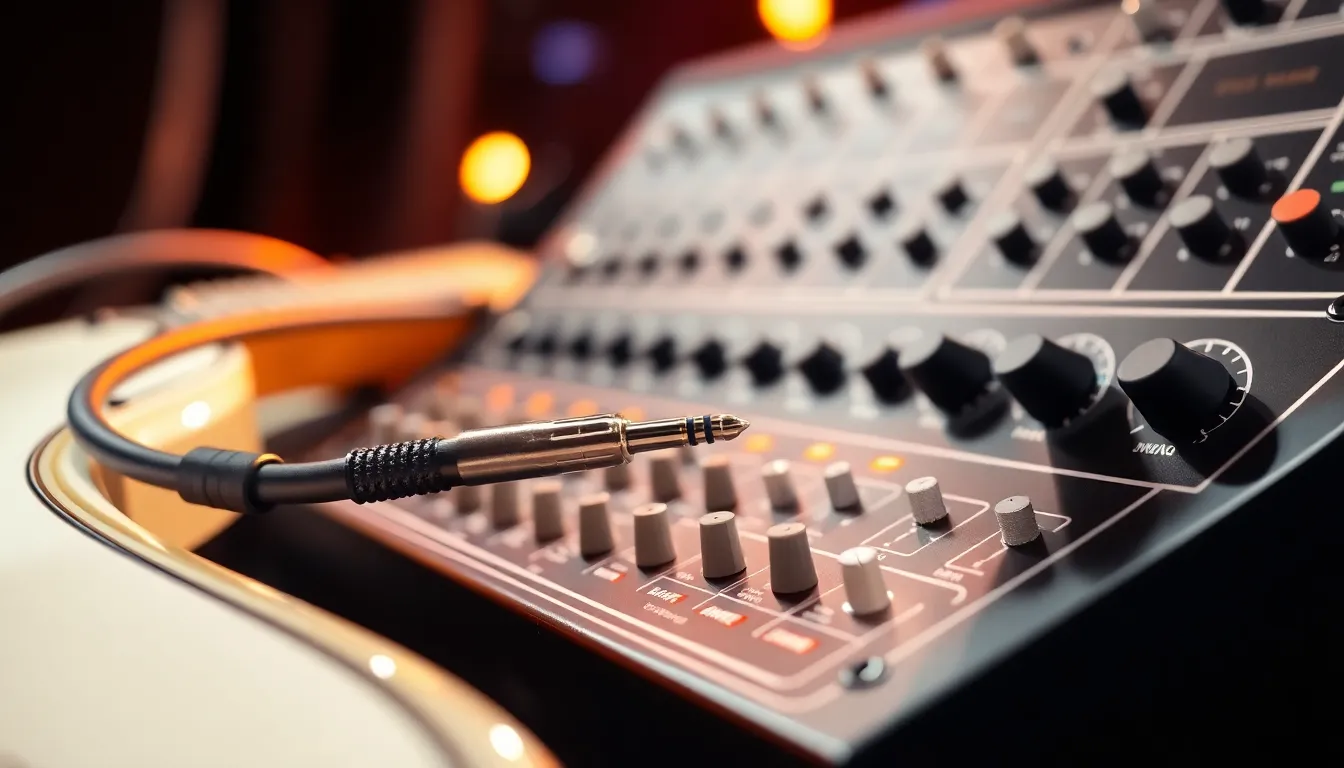
  • Insert jacks allow effects processor connections.
  • 1/4-inch jacks are commonly used for these.
Line and Insert Jacks
5

Gain Control Basics

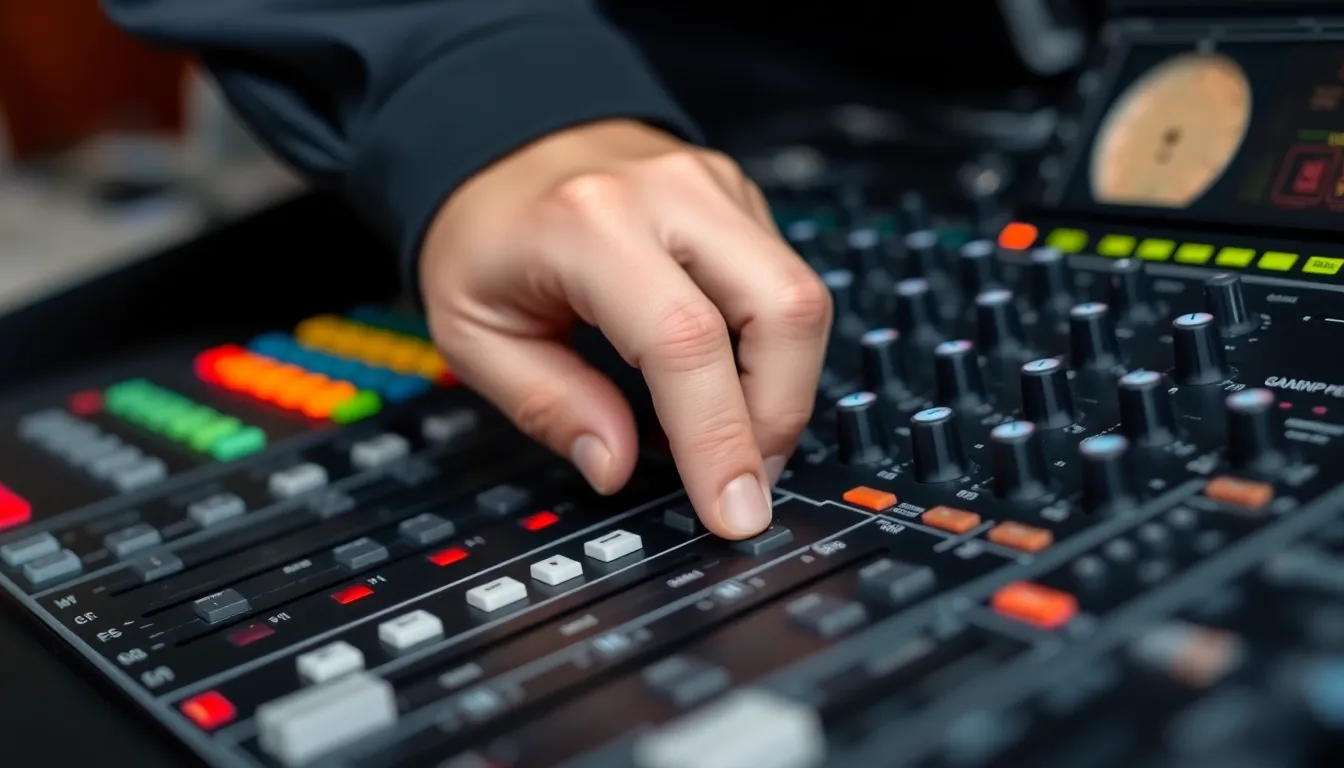
  • Adjusts input sensitivity for each channel.
  • Start at 9 o'clock position for microphones.
  • Prevents distortion while maintaining clear audio.
Gain Control Basics
6

PAN for Stereo Balance

  • Controls left/right speaker distribution.
  • Center for vocals, adjusted for instruments.
  • Creates spatial depth in the sound mix.
PAN for Stereo Balance
7

HIGH for Treble Control

  • Boosts or cuts high frequencies.
  • Adjusts clarity and brightness of voices.
  • Reduce to minimize harsh 's' sounds.
HIGH for Treble Control
8

MID for Vocal Tone

  • Affects nasal or hollow vocal qualities.
  • Mid-range frequencies carry speech clarity.
  • Slight cuts often improve choir sound.
MID for Vocal Tone
9

LOW for Bass Management

  • Controls depth and warmth of sound.
  • Reduce to prevent muddy mixes.
  • Boost slightly for musical instruments.
LOW for Bass Management
10

AUX and Effects Tips

  • AUX sends create separate monitor mixes.
  • Effects add reverb/delay for spaciousness.
  • Use sparingly for natural church acoustics.
AUX and Effects Tips
1 / 10