Bling ERP Training for Beginners

📑 10 slides 👁 33 views 📅 1/26/2026
0.0 (0 ratings)

Introduction to Bling ERP

Bling ERP is a comprehensive system for managing business operations.

Introduction to Bling ERP
2

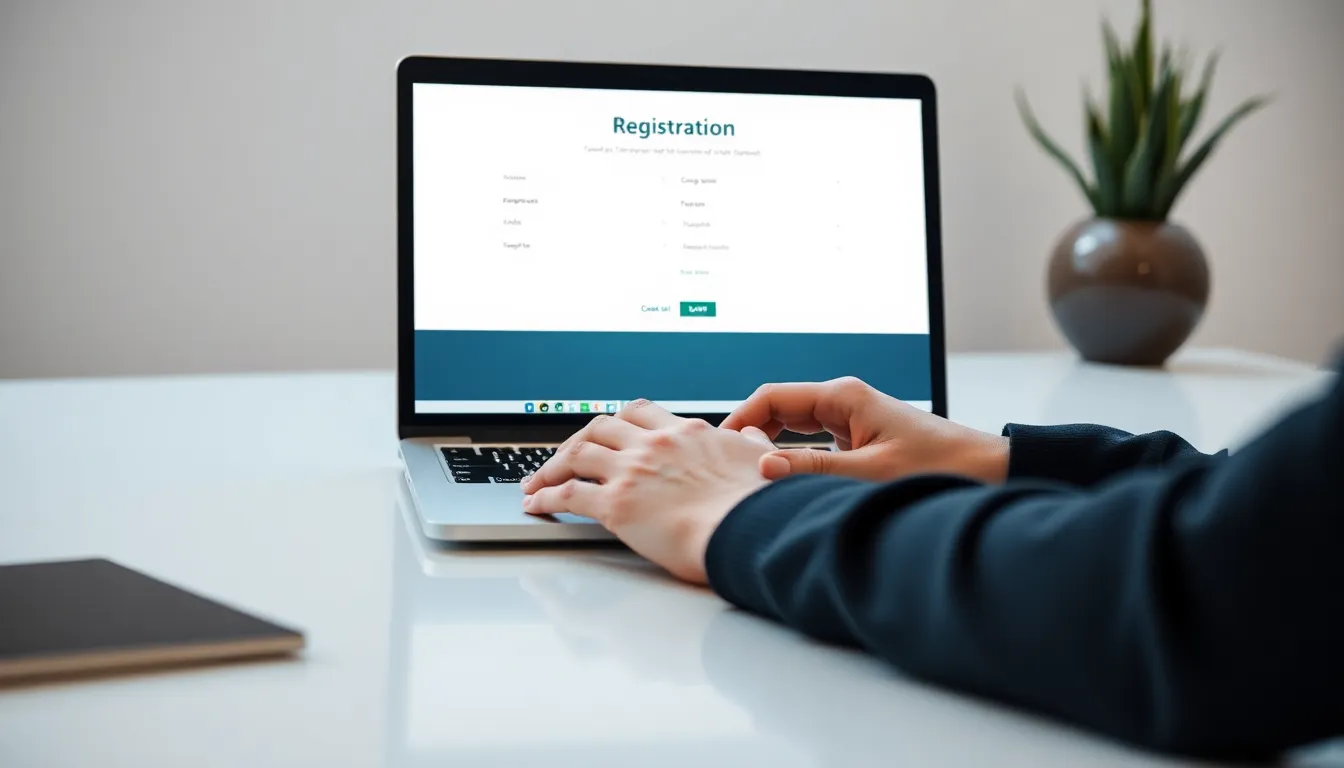
Getting Started: Registration

  • Create your account by filling in basic company details.
  • Verify your email to activate your Bling ERP account.
  • Set up user roles and permissions for team members.
Getting Started: Registration
3

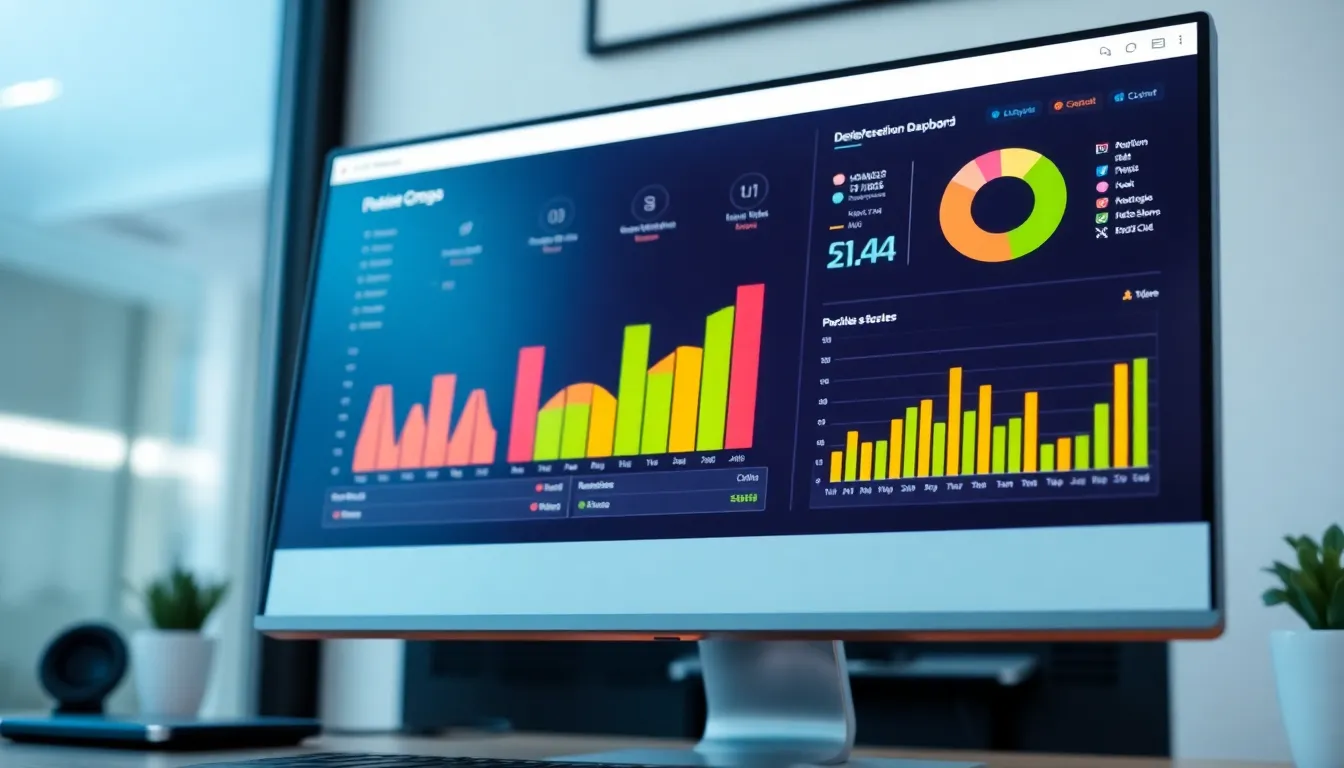
Navigating the Dashboard

  • Dashboard provides an overview of key metrics and shortcuts.
  • Customize the layout to prioritize frequently used features.
  • Access modules like Inventory and Orders from the main menu.
Navigating the Dashboard
4

Inventory Basics

  • Add products with details like SKU, name, and category.
  • Track stock levels and set up low-stock alerts.
  • Use barcode scanning for quick inventory updates.
Inventory Basics
5

Managing Orders

  • Create new orders manually or import from CSV files.
  • Track order status from placement to fulfillment.
  • Generate invoices and shipping labels directly from the system.
Managing Orders
6

Advanced Inventory Features

  • Set up automatic reorder points for popular items.
  • Use batch tracking for products with expiration dates.
  • Generate inventory reports to analyze trends and performance.
Advanced Inventory Features
7

Order Fulfillment Process

  • Assign orders to team members for efficient processing.
  • Integrate with shipping carriers for real-time tracking.
  • Handle returns and refunds seamlessly within the system.
Order Fulfillment Process
8

Reporting and Analytics

  • Access pre-built reports for sales, inventory, and orders.
  • Customize reports to focus on specific metrics or timeframes.
  • Export data to Excel or PDF for further analysis.
Reporting and Analytics
9

Tips for Efficiency

  • Use keyboard shortcuts to speed up common tasks.
  • Set up templates for recurring orders or inventory updates.
  • Leverage Bling ERP's mobile app for on-the-go access.
Tips for Efficiency
10

Conclusion and Next Steps

  • You're now equipped to use Bling ERP autonomously.
  • Practice regularly to become more proficient with advanced features.
  • Explore Bling ERP's support resources for additional help.
Conclusion and Next Steps
1 / 10